https://i.postimg.cc/2yTMtkZc/ods.jpg
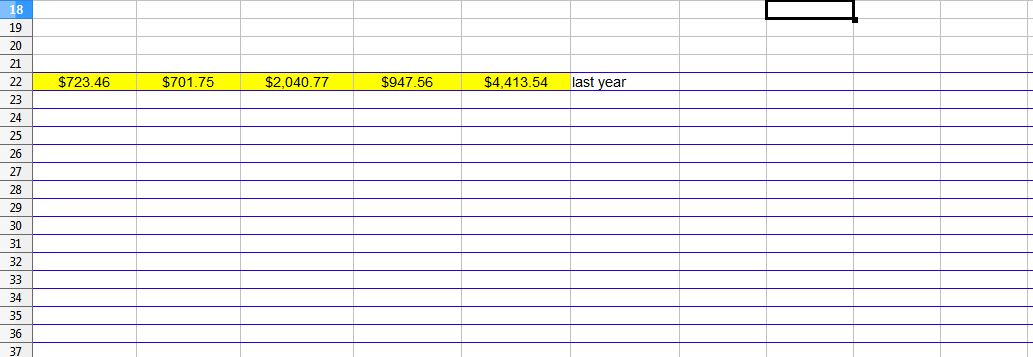
- ods.jpg (45.62 KiB) Viewed 2075 times
| Edit: Embedded image inline as link may not be permanent [robleyd, mod] |
Does anyone know how to fix this? Thank you.
 [Dropped] Blue cell border lines
| Edit: Embedded image inline as link may not be permanent [robleyd, mod] |

Thanks Hagar. I don't want to upload the spreadsheet since there is sensitive information that can't be removed, like encoded in File > Properties.Hagar Delest wrote: ↑Fri May 12, 2023 10:35 am The actual file or an excerpt would help (remove any sensitive data), see How to attach a document here.
My first guess would be that some way or another you have selected those rows and activated the horizontal borders. Try to select the whole sheet and hit Ctrl+M to reset the formatting.
Please add [Solved] at the beginning of the title in your first post (top of the topic) with the 🖉 button if your issue has been fixed.

The picture suggests the lines are row breaks. Our assistance will be limited if you decline to provide a sample file which demonstrates the problem. Here is similar discussion: [Solved-Workaround] Page break on every line
| Edit: 2023-05-13 19:51 UTC I added a post to that topic with my analysis of why it happened. mileena's situation could be different. I can't tell because we have no attachment yet. |